
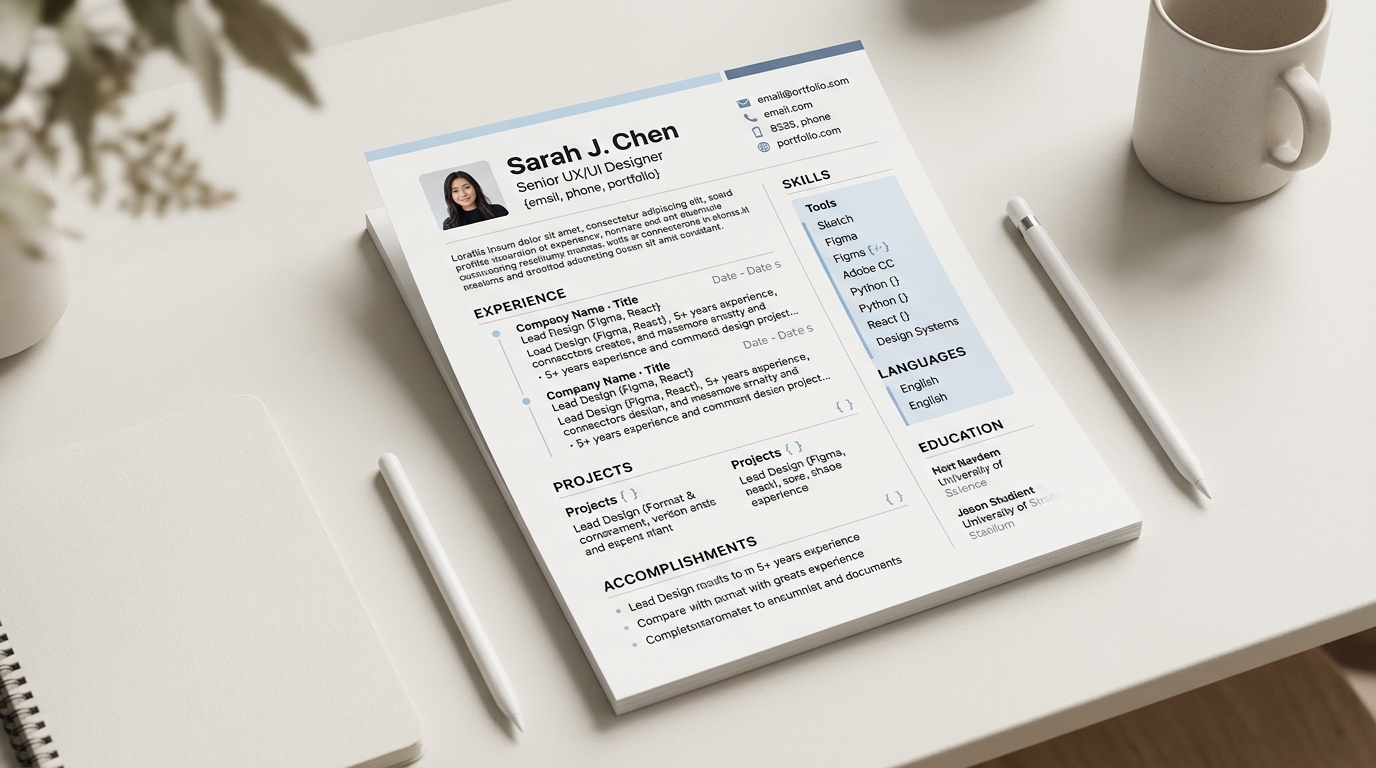
CVBuilderKit is a free AI resume builder: you upload an existing CV, or start from a blank template, and an AI extraction step turns it into structured data you can edit directly, refine by describing changes in chat, and download as a finished PDF. It suits anyone who wants a properly designed CV without fighting a word processor's margins or learning a design tool, whether that is a first CV, an update after years in the same job, or a version reshaped for one specific posting.
What actually happens when you upload a resume
Nothing you upload is stored as a file. Your browser reads the text out of it directly, and for a PDF it also renders each page to an image locally, so the extraction step can see the layout and not just the words. Only that extracted text and those page images are sent onward. Accepted formats are PDF, Word's .docx, plain text, Markdown, CSV, LaTeX, and PNG, JPG or WebP images; an older .doc file is not read, so it needs saving as .docx first, or its text pasted in directly. A PDF only has its first four pages read, so a long CV is worth trimming before upload rather than counting on later pages to be picked up. The full six-step walkthrough, from template choice to download, is worth a look if you want the whole flow before trying it yourself.
What the AI extraction step gets right, and what it doesn't
Sections with a clear heading, a predictable shape, and plain text extract well: job titles, employers, dates and bullet-point achievements almost always land in the right structured field, and a summary paragraph at the top usually survives intact. What tends to need a second look afterward is anything the original document arranged for visual effect rather than for structure. A two-column layout with a skills sidebar running beside the work history can have its reading order scrambled, since neither a PDF nor an image has a built-in notion of finishing one column before starting the next. Contact details set as a small graphic instead of as text, or a section heading rendered as an icon rather than a word, can get missed entirely, because there was no text there to extract in the first place. Dates are worth a specific check too: a transposed digit in a date range is an easy mistake to introduce during extraction and an easy one to miss on a skim. None of this is a parsing or applicant-tracking guarantee, and no CV builder can promise one; it is a starting structure you review and correct, not a finished document the moment the upload finishes.
Illustrative example: one job entry before and after extraction
Say the source resume has a line like this, set in plain paragraph text: "Backend Engineer, Acme Co, 2021 to 2024, built and maintained internal deployment tooling, cut average deploy time from 40 minutes to under 10." After extraction, that becomes a structured experience entry: title "Backend Engineer," subtitle "Acme Co," period "2021-2024," and two separate bullets, one for the tooling work and one for the deploy-time improvement. This example is illustrative only, not a real person's resume. It is also the kind of entry that tends to extract cleanly, because it is plain text following a predictable shape; a version of the same line set inside a two-column graphic banner is the kind that would need a manual check afterward instead.
Editing, refining by chat, and switching templates
Once the extraction is done, every field in the builder is editable directly: click text to change it, reorder sections, or adjust colours and fonts from the design panel. Wording changes do not have to happen field by field either; describing a change in plain language, such as tightening a bullet or rewriting the summary, sends an edit job that applies it to the underlying CV data in place. There are twenty-eight templates to choose from, each with its own layout, font and accent colour, and switching between them does not throw away your content, so comparing two or three on the same CV is a reasonable way to pick one instead of guessing from a thumbnail. Browsing the full set of templates is a good next step once the content itself feels settled.
What the free limits mean day to day
The free tier is limits rather than a paywall: up to 25 saved CVs on one account, 30 AI jobs per UTC day covering resume extracts and chat edits together, and 3 PDF downloads per UTC day. Editing directly in the builder, reordering sections, and switching templates are not limited at all, so the 30-job ceiling only matters for the AI-driven steps, extraction and chat refinement, and the 3-download ceiling only matters once a CV is actually finished and ready to leave the browser as a PDF. For most single-CV use this is generous headroom rather than a real constraint; it mainly shows up if several CVs are being rebuilt from scratch on the same day. The full list of free-account limits covers a few more details, including cover letters and chat history.
Who CVBuilderKit suits
It suits anyone rebuilding a CV that has drifted out of date, anyone starting from nothing with little or no formatted work history yet, and anyone who wants to hold a few tailored versions of the same CV without reformatting each one by hand. The interface itself is available in fourteen languages, and a CV's own content can be written in twelve of them, independent of whichever language the interface happens to be showing. As of September 2026, CVBuilderKit has been used by more than ten small companies and around 500 people, according to the product's own usage figures.
Start with your own resume
An old CV, a blank template, or a scanned copy of one are all reasonable starting points. Upload what you already have, or start from scratch, pick a layout, and see how much of the structure survives the first pass before you spend time fixing it by hand.