
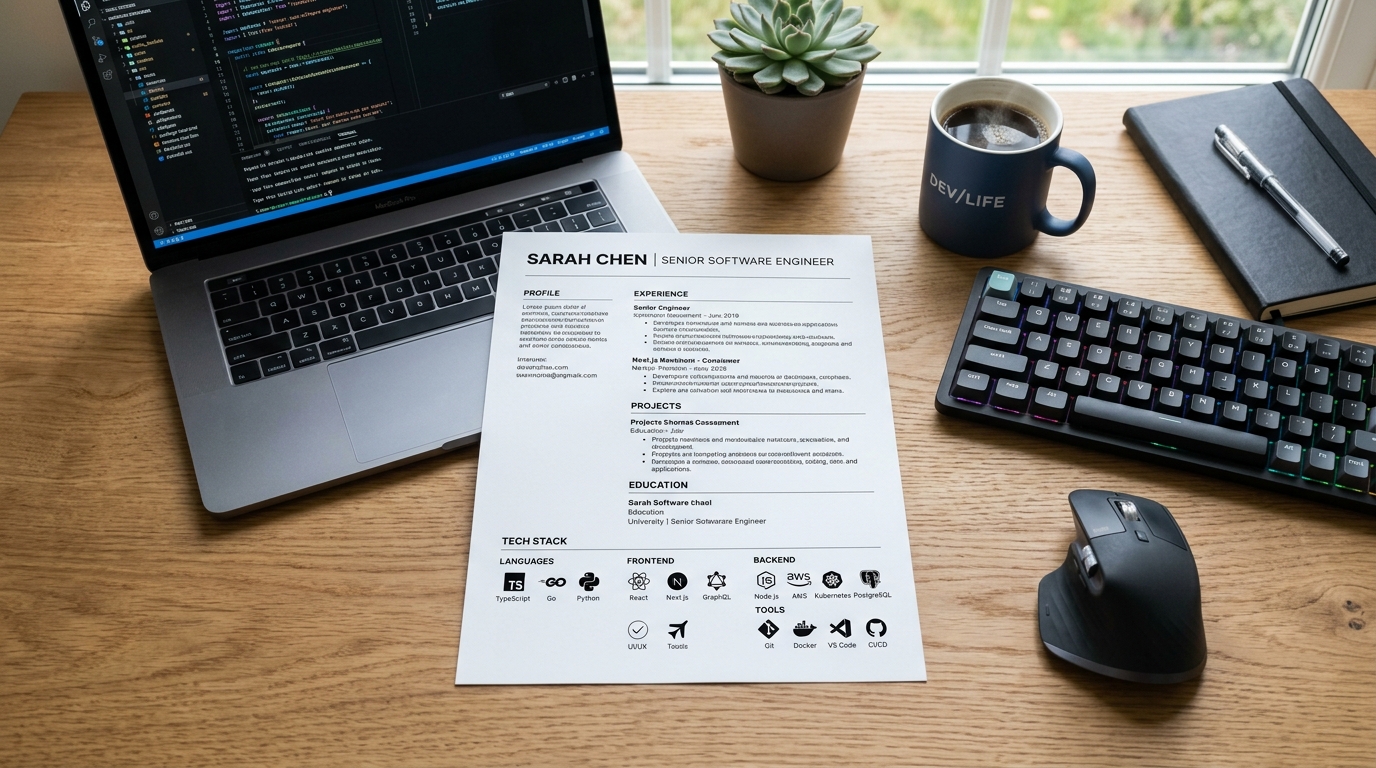
What an applicant tracking system actually does
An applicant tracking system is software a company uses to collect, store and search job applications. It is not a black box that auto-rejects most resumes on sight - a recruiter still searches and filters within it. You may see specific rejection percentages quoted online; there is no way to verify numbers like that, so this guide skips them and sticks to what is actually documented about how these systems parse a document.
After you submit a resume, the system typically extracts fields into a structured record - your name, contact details, employer names, dates, and skills - which a recruiter later searches or filters by keyword. Getting parsed cleanly is what matters, not passing some universal invisible score.
What genuinely breaks parsing
Multi-column layouts are the biggest risk: most parsers read left to right, top to bottom, so a two-column resume with experience on the left and skills on the right can interleave the two into nonsense once extracted. Tables and text boxes are often skipped entirely rather than misread.
Text placed inside an image - a name rendered as a logo, or skills shown as icons instead of words - is invisible to a parser, since there is no text there to extract. Some systems also drop header and footer content, so never put your phone number only in a running header. Font choice and visual style, by contrast, have little effect on parsing - the risk is layout structure, not appearance.
File format: PDF is the safe default
PDF is the right default for most modern systems, and it is also what a human reviewer will actually open - it fixes your formatting so it looks the same everywhere. Save as a Word document only if a posting explicitly asks for one or a portal rejects PDF uploads. Avoid unusual formats like .pages or .odt, and never submit a scanned photo of a printed resume.
A quick way to check a PDF is parseable: try to select and copy the text out of it. If you cannot select the text, it is an image, and a parser cannot read it either - export from your word processor directly rather than scanning a printout.
Keywords: match honestly, do not stuff
Pull language directly from the job posting where it is honestly true of you. If a posting asks for "project management
“and that is what you did, write that phrase rather than only a paraphrase like”
managed projects" - it helps both a human skim and a keyword search. Never add a tool or skill just because it appears in the posting if you have not actually used it.
Repeat a core keyword naturally where it belongs - once in your summary, once in a relevant bullet - rather than pasting a separate keyword list. A block of hidden or oddly placed keywords is easy for a parser to extract anyway and reads as manipulative to a human reviewer who sees the same text.
Headings and structure: conventional beats creative
Use section headings a parser is trained to recognize: "Experience" or "Work Experience
“rather than a creative label like”
Where I've Been." The same goes for "Education" and "Skills" - a clear, standard heading over a section keeps its content from being folded into the wrong category or missed entirely.
A single column, reverse-chronological order, and a straightforward top-to-bottom reading order serve both readers at once: the same qualities that make a resume easy for a busy person to skim are what make it easy for a parser to read correctly.
Frequently asked questions
- Do I need special ATS resume software to write one?
- No. A clean, single-column document from any standard word processor, or an in-browser builder like this one, is enough. The parsing risk comes from layout choices, not the tool used to produce the document.
- Will a two-column resume always fail an ATS?
- Not always - some modern systems handle two columns without trouble. There is no reliable way to know in advance which system a given employer uses, though, so a single column removes the risk entirely for the sections that matter most: your contact details and employment history.
- Should I copy the exact words from the job description?
- Match its phrasing where it is honestly true of you, but never claim a skill or tool you have not actually used. That kind of gap is easy for a human interviewer to catch later, even if the wording alone got past a parser.
- Does my choice of font affect ATS parsing?
- Mainstream fonts - the kind already used across the templates here - parse without issue. The real risk is a highly decorative or script-style font, which can occasionally be misread as different characters, not the specific typeface family within a normal range.