
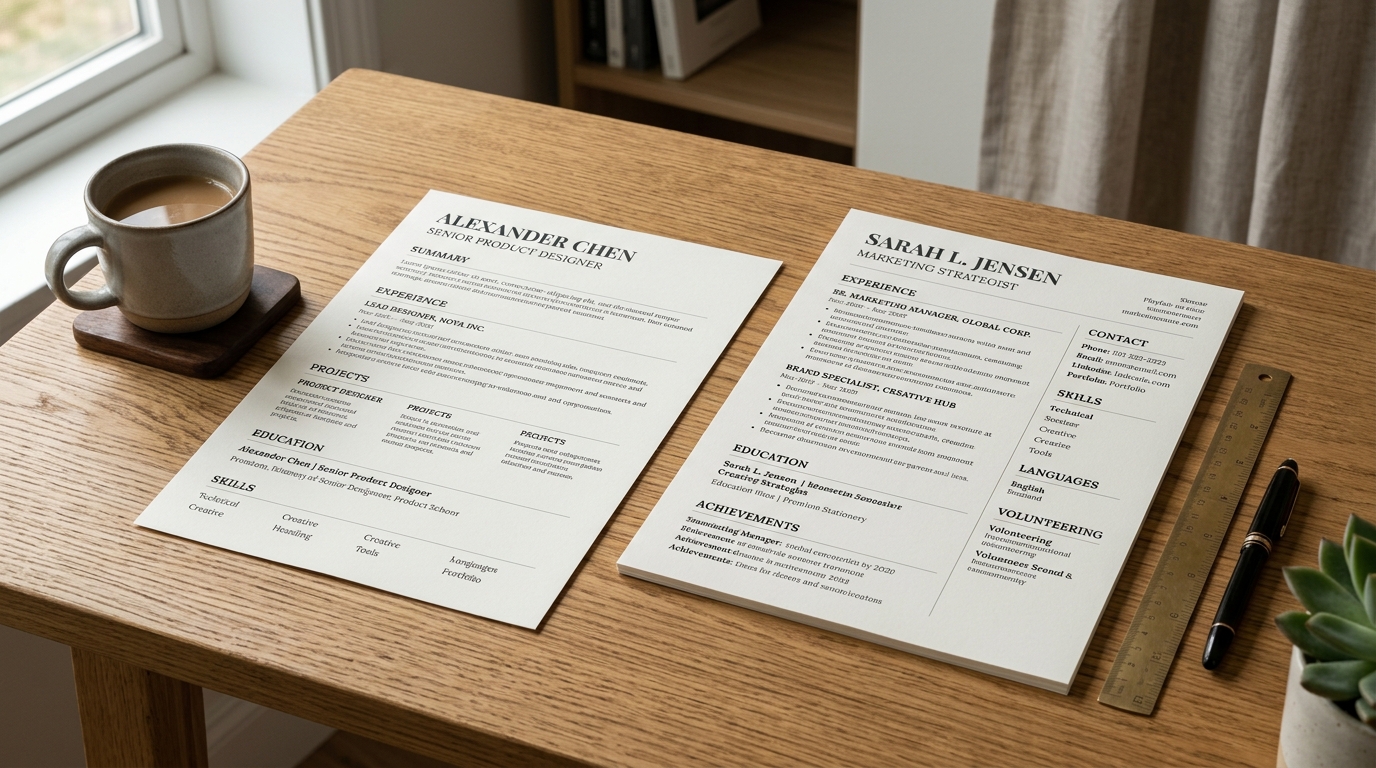
The three formats, and what each one actually does
Chronological format lists your work history in reverse order, most recent first, and is the format almost every recruiter and applicant tracking system expects by default. Functional format drops the job-by-job timeline in favor of grouping your experience under skill headings like "Project Management" or "Customer Support," with employer names and dates pushed to a short list at the bottom or left off the headings entirely.
Hybrid format takes the middle path: a skills or strengths section near the top, similar in spirit to functional, followed by a full reverse-chronological job list underneath it, so the timeline a reader expects is still there. Most resume templates, including the ones built for applicant tracking systems, assume a chronological or hybrid structure; a functional resume is the outlier, not the safe default.
Which one to choose, and the rule for deciding
Choose chronological if your work history is continuous and reasonably relevant to the role you want - it is the format a reader expects, and departing from it without a reason reads as evasive rather than creative. Choose hybrid if you are changing careers or your most relevant experience is not your most recent job, since it lets you lead with the skills that matter for this application before the timeline explains how you got them.
Choose functional only when you have a genuine, significant gap or a work history that would actively work against you if listed job by job - and even then, expect a reader to notice the missing dates and wonder why. In most other cases, a short, honest note about a gap inside a chronological resume works better than hiding the timeline structure a reader is trained to look for.
Layout rules that survive automated parsing
Stick to a single column, or a hybrid layout where the second column holds only supporting content like skills or a summary rather than your actual job history - an applicant tracking system reads left to right, top to bottom, and a strict two-column job history can interleave into the wrong order the same way a PDF conversion can. Use standard section headings like "Experience" and "Education" rather than a decorative label a parser will not recognize.
Avoid putting contact details, dates, or job titles inside a text box, table cell, or image, since several common parsers skip that content entirely rather than reading it out of order. Stick to one widely supported font, avoid columns inside a table for your skills list, and keep headings as actual heading-styled text rather than a bolded line that looks like a heading but is not tagged as one.
File naming and export
Export as a PDF unless a posting explicitly asks for a Word document - a PDF preserves your layout across whatever device or software opens it, while a Word document can reflow unpredictably depending on the fonts installed on the reader's machine. Name the file something a recruiter can find again later, like
“FirstName-LastName-Resume.pdf,”
rather than a generic name like "resume-final-v2.pdf" that becomes meaningless once it sits in a folder with fifty other applicants' files.
If a job posting or application portal explicitly asks for a specific format - often a .docx file for older applicant tracking systems - follow that instruction over the general PDF default, since a system built to expect one file type can handle the other one worse than either format would perform on its own. When in doubt and no format is specified, PDF is the safer choice.
Common formatting mistakes worth avoiding
The most common mistake is picking a functional format to hide a thin work history and having it read as exactly that to an experienced reviewer, who has seen the pattern before and reads the missing dates as a bigger flag than the gap itself would have been. A close second is mixing formats inconsistently within one document - chronological for one job and grouped-by-skill for another - which reads as disorganized rather than intentional.
A third common mistake is choosing a heavily decorated two- or three-column template for a role that will clearly be screened by an applicant tracking system first, then wondering why no interviews come back; the format needs to match where the resume is actually going, not just how it looks to the applicant writing it. When in doubt, a plain hybrid layout in a single column is the safer default over a more visually striking one.
Frequently asked questions
- What is the safest resume format if I am not sure which to pick?
- Hybrid is the safest default for most people: a short skills section near the top followed by a full reverse-chronological job list, so it reads well to a human skimming quickly and still parses cleanly through an applicant tracking system that expects a standard timeline structure.
- Does a functional resume format hide employment gaps from a recruiter?
- Not really. An experienced recruiter recognizes a functional format on sight and, seeing dates pushed to the bottom or missing, tends to assume the gap is larger than it actually is, so a short honest explanation inside a chronological resume usually reads better than a format built specifically to obscure the timeline.
- Can a two-column resume format still pass through an applicant tracking system?
- Sometimes, but it is a risk rather than a safe bet, since a parser reading strictly left to right can interleave the two columns into the wrong order; keeping the second column limited to supporting content like skills rather than your job history lowers that risk considerably.
- Should I use the exact same resume format for every job application?
- The overall format can usually stay the same across applications, but the specific bullet points, keywords, and their ordering should shift to match each posting, since both a human reviewer and an automated filter are typically looking for the terms that specific job listing actually uses.