
Why a PDF resists being edited
A PDF is not a document in the way a word processor file is; it is closer to a printed page description, a set of positioned text and shapes with no memory of which words belonged to the same sentence or column. When an import tool reads a PDF, it has to guess the reading order from position alone, and a two-column layout is exactly the case where that guess most often fails.
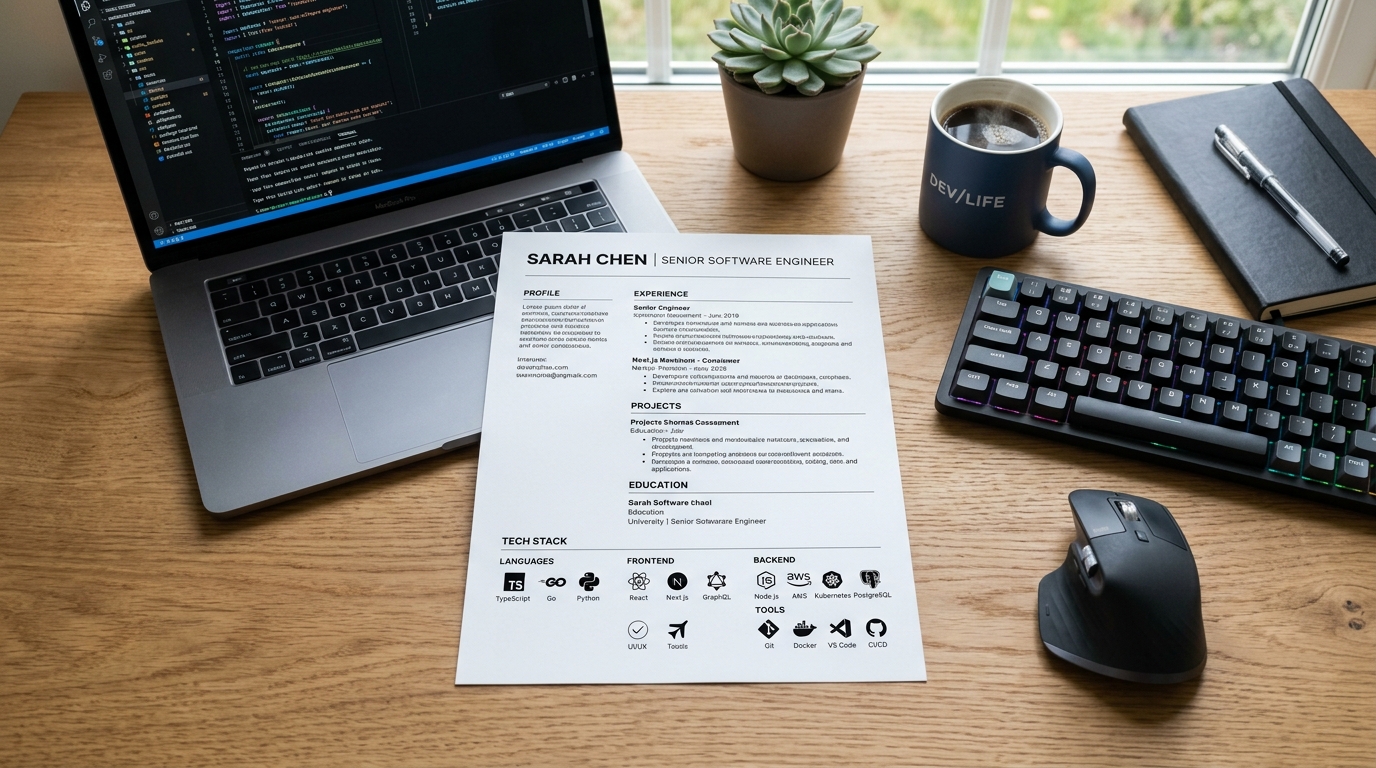
That is also why a PDF exported from a design-heavy template - one with a colored sidebar, icons next to each contact detail, or a skill bar rendered as a shape rather than text - loses more on the way back into an editable format than a plain single-column PDF does. The more visual decoration the original template used, the more manual cleanup the rebuild needs afterward.
What actually survives the rebuild
Plain text survives well: your name, job titles, company names, dates, and the body of your bullet points come through in an editable rebuild almost every time, because a text extractor is reading the same characters a human eye would read, just without the layout context around them. Headings usually survive too, though they sometimes lose their bold or size formatting and arrive as plain lines that need to be re-marked as headings.
What does not reliably survive is anything that depended on position rather than text: a two-column layout can interleave the left and right columns into one confusing block, icons next to a phone number or email often vanish entirely, tables can collapse into a single run-on line, and a skill rating shown as a row of filled dots or a bar becomes either nothing or a stray character.
The rebuild, step by step
Start by extracting the text with a copy-paste into a plain text file first, before touching any formatting - this shows you exactly what the import tool actually captured, in what order, before you start correcting it. Compare that raw text against the original PDF side by side and mark anywhere the reading order jumped between columns or sections, since that is the single most common failure.
Once the text order is fixed, rebuild the structure - headings, bullet lists, and section breaks - in the new editable document rather than trying to preserve the original's exact visual layout. CVBuilderKit's upload rebuilds a PDF into an editable CV in the browser without storing the file, which covers this text-and-structure step; from there the remaining work is checking dates, contact details, and bullet wording against the original.
Fixing the import before you trust it
After any PDF-to-editable conversion, read the result top to bottom against the original PDF rather than skimming it - reading order errors are easy to miss on a fast read because the individual sentences still make grammatical sense even when two roles have been merged into one entry. Check dates first, since a misplaced date is the error most likely to look plausible and go unnoticed.
Next, check that every bullet point ended up under the correct job; a common failure in a two-column or timeline-style layout is a bullet from one role attaching itself to the job listed just above or below it. Re-read contact details last, since a dropped digit in a phone number or a mangled email address is invisible unless you compare it character by character against the source.
When to stop fixing and start over
If the rebuilt document needs more than a handful of corrections per section, or the original layout used more than one column, icons, or a table, it is usually faster to start from a clean template and retype the content than to keep patching an import that fights you at every paragraph. A rebuild that needs constant correction is a sign the source PDF was too visually complex for a text-based conversion to preserve.
Starting over is not a failure of the tool - a heavily designed PDF genuinely loses structural information the moment it becomes a flat page description, and no converter can recover position-dependent meaning that was never stored as text in the first place. Retyping the content into a plain, single-column template usually takes less time than untangling a badly interleaved two-column import.
Frequently asked questions
- Can I edit a resume PDF directly without converting it first?
- Some PDF editors let you nudge existing text in place, but that only works for small wording changes on a layout that is not otherwise changing; adding or removing a whole section, or changing the length of a bullet point, almost always breaks the surrounding layout in a PDF editor, which is why converting to an editable format first is usually the better route.
- Why did my two-column resume turn into one confusing block of text after converting it?
- A PDF has no concept of columns, only positioned text, so a converter has to guess reading order from position and commonly reads straight across both columns line by line instead of down one column and then the other, interleaving unrelated sentences from the left and right sides of the page.
- Will icons and skill bars come back after I rebuild my resume?
- Not automatically. Icons are usually small embedded images or vector shapes rather than text, so a text-based rebuild drops them, and a skill bar rendered as a shape has no underlying text value to recover; both need to be re-added by hand or replaced with a text equivalent in the new document.
- Does uploading my resume PDF store the file somewhere?
- CVBuilderKit's upload rebuilds a PDF into an editable CV in the browser without storing the file, so the conversion itself does not keep a copy of the original PDF; only the extracted text and structure carry forward into the editable document you continue working on.