
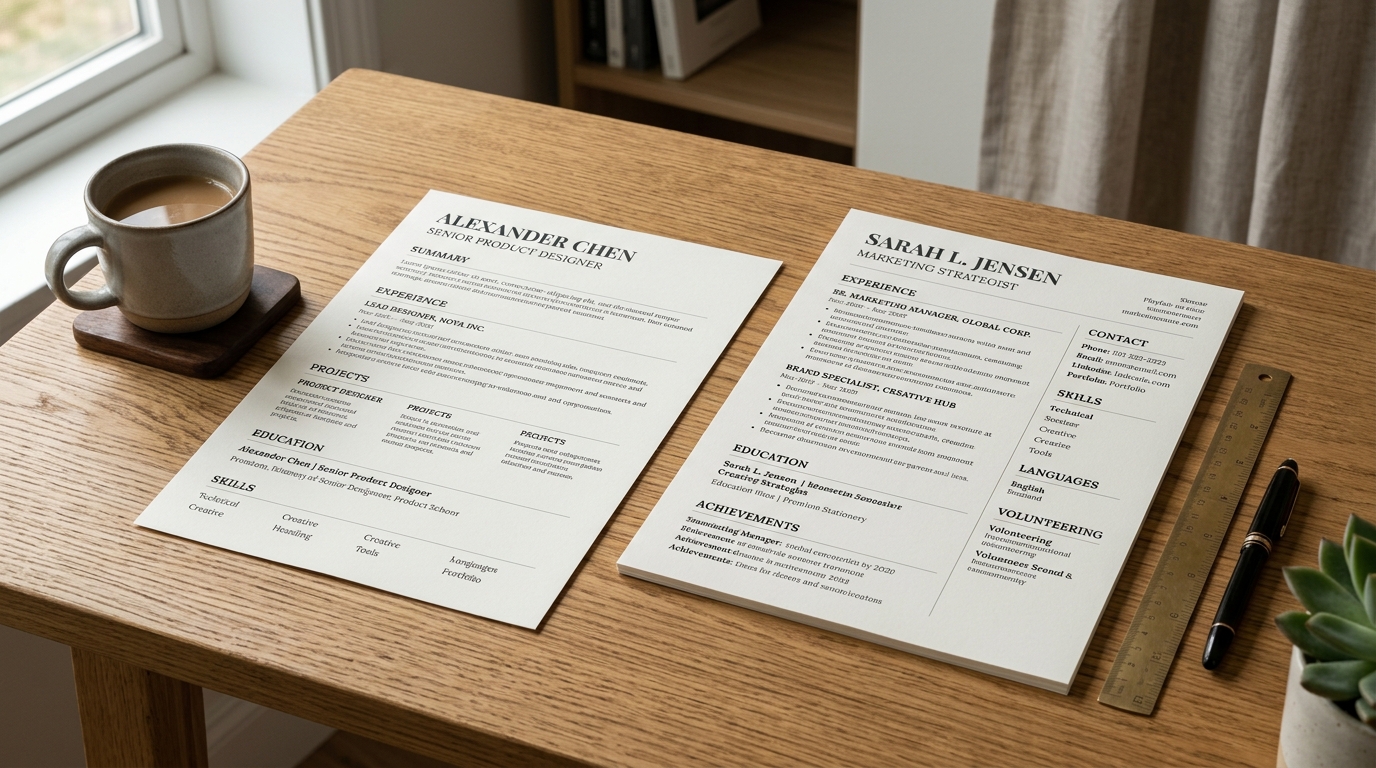
Converting a two-column CV into a simpler one-column layout means moving whatever sits in the side column, usually a skills list, a credentials list, or contact details, back into the main reading flow, in the order a reader would naturally reach it if the two columns had never existed. This post assumes you already have a two-column CV and want to change it; choosing between a one-column and two-column CV layout covers which of the two to pick in the first place, so start there if the decision itself is still open.
Why someone converts an existing two-column CV
The two most common reasons to convert are parsing risk and a reader's reading order. A two-column layout asks a parser or a fast human reader to work out which column to read first and where each column ends, and that is a judgement call a single column never asks for. Writing an ATS-friendly resume covers this risk in more depth: multi-column text is the layout choice most likely to interleave into nonsense once a system extracts it, since most parsers read left to right and top to bottom without understanding that a side column is a separate stream of content. A candidate switching industries toward a more conservative field, or applying somewhere that explicitly warns about parsing, often converts for exactly this reason, even when the two-column version looked fine on screen.
What usually lives in the side column, and where it goes instead
A side column typically holds one or more of a skills list, a short credentials or certifications list, contact details, or a compact summary of languages spoken. Converting means deciding, section by section, where each of those belongs in a single reading path. Contact details move to the header, above everything else, exactly where a single-column CV already expects them. A skills list usually moves to sit just after the summary and before the experience section, early enough that a reader scanning for relevant tools finds them quickly, but not so early that it delays the work history a reader usually wants first. Credentials and certifications commonly move near the bottom, after experience and education, unless a specific certification is central enough to the target role that it deserves an earlier mention.
Handling a skills list that was built for a narrow side column
A skills list designed to fit a narrow column is often already broken into short, individual items, which converts cleanly into a single-column layout without much rework. Where the side-column version relied on visual grouping, such as proximity or a small heading squeezed into limited width, to show which skills belonged together, that grouping is worth carrying over explicitly once there is a full-width column to work with, rather than losing it and reverting to one long unsorted line. A single-column layout actually has more room to add a short category label per group than a cramped side panel ever did, so converting is a reasonable moment to make that grouping clearer, not just move it.
Illustrative example: moving a side-column skills list into the main column
Before, as a side-column block: a narrow panel reading "Skills" as its heading, followed by a dozen short tags stacked vertically, with no further structure, sitting beside a main column that holds the summary and experience. After, converted into the main column: the same twelve items now sit in their own full-width section titled "Skills", placed between the summary and the experience section, grouped under two or three short category labels such as Languages and Tools rather than left as one stacked list, and reading in the same top-to-bottom order as every other section on the page. The content has not changed at all, only its position and its internal structure, which is now visible rather than implied by a narrow column's layout.
What to check once the conversion is done
After moving every side-column element into the main flow, read the whole document top to bottom as a single reading path and check that nothing reads out of place now that it sits among sections it was never designed to sit beside, a short contact-details block that used to float in a side column can look oddly placed once it is folded into a header, for instance, and may need a line of its own rather than sitting mid-paragraph. It is also worth rechecking overall length once the conversion is done: a two-column layout sometimes fits more onto one page than a single column does for the same content, so a converted CV can occasionally run a line or two longer than the original, which is worth a quick trim rather than leaving unaddressed.
Converting without starting over
Switching from a two-column template to a single-column one inside the same document carries the underlying content across automatically, so converting does not mean retyping the CV from scratch; it means reviewing where each section landed and adjusting the order and grouping described above. The Classic template is a single-column layout built for exactly this kind of reverse-chronological, section-by-section reading order, and it is a reasonable destination to convert into.
Build yours
Open your existing CV in the builder, switch to a single-column template, and work through the check above section by section rather than assuming the switch alone finished the job.