
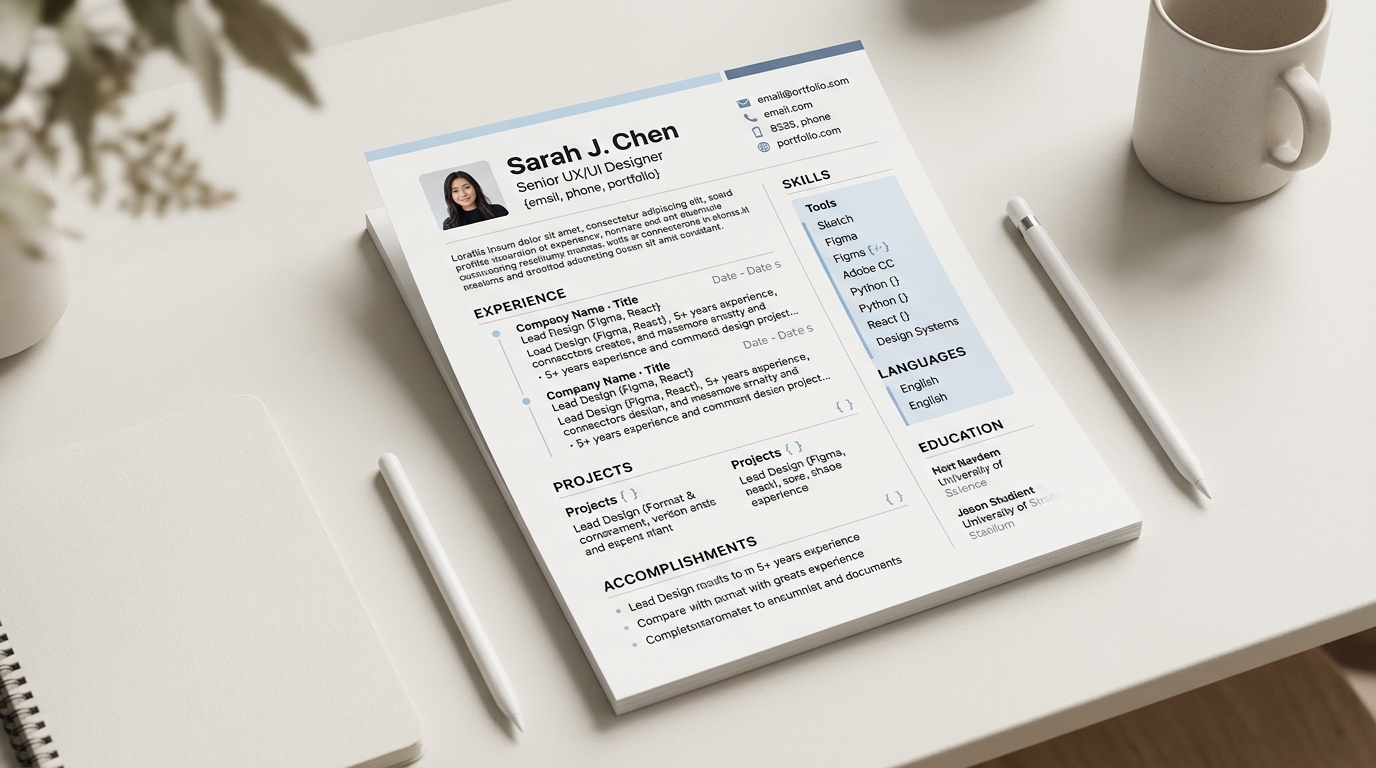
A long list of programming languages, frameworks and tools reads as a wall of text when it runs as one unbroken line, and the fix is not to shorten the list but to group it: split the same skills into a handful of short, clearly labelled categories, such as Languages, Frameworks and Cloud, so a reader scanning the page can find the two or three entries that matter to them in a couple of seconds instead of reading the whole line end to end.
Why one long unsorted line is hard to scan
A skills line with twenty comma-separated items asks a reader to do two jobs at once: find the items relevant to the role they are hiring for, and mentally sort everything else out of the way while they do it. Most recruiters and hiring managers spend very little time on a first pass through any single CV, and a flat list gives them nothing to latch onto beyond whatever happens to sit near the start or the end of the line. A grouped list removes that sorting work from the reader: a category label such as Cloud or Databases tells them exactly where to look, and they can skip past the categories that do not matter for this particular role without reading every individual item inside them.
Grouping also helps a reader who does care about the whole list, not just a subset of it. A long line with no internal structure forces even a careful reader to hold the whole thing in their head at once to notice patterns, such as whether the languages skew backend or frontend, or whether the cloud experience is broad or narrow. Once the same skills sit under headings, those patterns are visible at a glance rather than something the reader has to reconstruct themselves.
Grouping the same skills, not adding new ones
Grouping is a formatting change, not a content change: the underlying set of skills stays exactly the same, and the work is deciding which category each one belongs to and picking a short, accurate label for that category. A common starting split is Languages, Frameworks, Data and Cloud, with a Tools category as a catch-all for editors, build tools and version control, though the right categories depend entirely on what the list actually contains. A shorter list with only six or seven items rarely benefits from being split into four separate categories; grouping earns its place once a list is long enough that a reader would otherwise have to scan past unrelated entries to find what they are looking for.
It is worth resisting the urge to pad each category once it exists. A category with a single strong entry is still worth keeping separate if that entry is genuinely different in kind from the others, rather than merging it into a bigger, vaguer bucket just to avoid a short list. A category that ends up with only one or two items is not a problem; a category invented purely to look fuller than it is tends to read as padding once a reader notices the pattern.
Choosing category labels that actually mean something
A category label works when it tells the reader what kind of skill sits underneath it before they read a single item, rather than a vague heading like Technical Skills or Other that could describe almost anything. Languages, Frameworks, Databases, Cloud & Infrastructure and Tools are common, self-explanatory choices for a software engineering skills section, and a reader familiar with the field recognises each one instantly. A more specific label sometimes earns its place over a generic one: Testing as its own category, separate from Frameworks, makes sense for a candidate whose testing experience is a genuine strength worth calling out on its own rather than folding into a longer, less legible frameworks line.
Labels should also stay consistent with how the rest of the CV talks about the same skills. If the experience section describes a project as built with a particular framework, the skills section's grouping should use the same name for it rather than a longer or shorter variant, so a reader (or an automated system reading the same document) sees one consistent vocabulary rather than two versions of the same fact.
Illustrative example: an unsorted line turned into categories
Before, as one unsorted line: "JavaScript, TypeScript, Python, React, Next.js, Node.js, PostgreSQL, MongoDB, Docker, AWS, Git, Figma."
After, grouped into categories:
- Languages: JavaScript, TypeScript, Python
- Frameworks: React, Next.js, Node.js
- Data: PostgreSQL, MongoDB
- Cloud & tools: AWS, Docker, Git, Figma
The underlying list of twelve items has not changed at all, but a reader looking specifically for backend database experience can now go straight to the Data line instead of reading every item in the original sentence to find PostgreSQL and MongoDB buried in the middle of it.
Grouping without hurting how a system parses the section
A reasonable worry about grouping a skills list is whether it works against an applicant tracking system that scans the document for specific keywords. Grouping does not remove any of the underlying terms, it only adds a short category label above a subset of them, so every skill named in the original flat list is still present in the grouped version and still available to any keyword search run against the document. The guide on writing an ATS-friendly resume covers the layout choices that actually do affect parsing, such as multi-column layouts and text embedded in images, and grouping plain text skills into labelled categories is not one of them.
Building a grouped skills section
CVBuilderKit's Classic template groups a skills section into labelled categories automatically as part of its layout, rather than leaving the choice of how to split the list entirely to the person filling it in, which is a reasonable starting shape to copy even in a template that does not enforce it. When starting from a blank list, sort the items into categories first on paper or in a notes file, check each label reads clearly to someone outside the immediate team, then start building the section once the shape feels right, keeping the exact terms from the original flat list rather than rewording any of them in the process.