
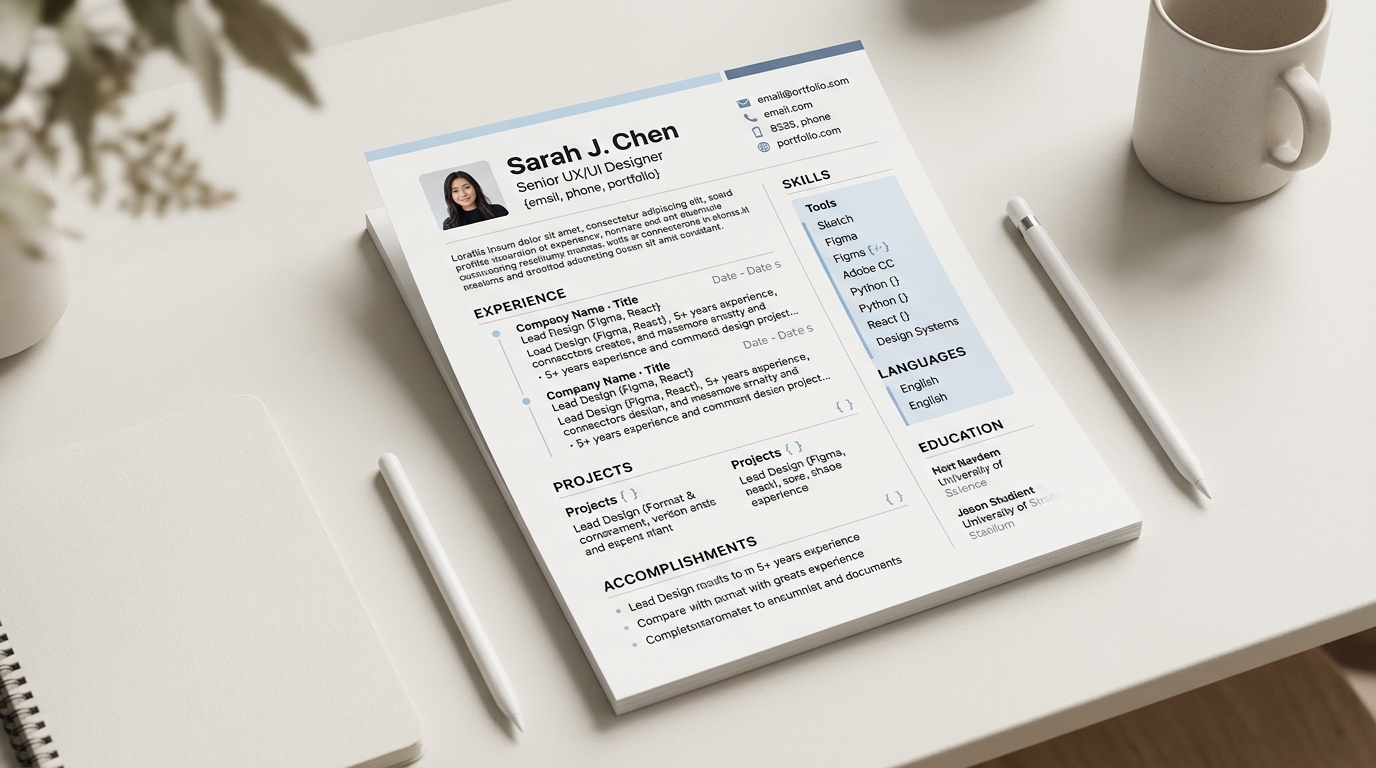
The simplest way to name a CV file before sending it is to use your own name and the word CV or resume, in a plain, readable format with consistent capitalisation and no unnecessary punctuation, for example "Jane Smith CV.pdf" rather than a generic download name, a version number only you understand, or a string of unrelated characters. A recruiter or hiring system often sees the file name before it sees the content, since it is what appears in an inbox attachment list or an upload confirmation, so a clear name is a small, low-effort signal that the rest of the document was put together carefully too.
A simple naming pattern that works almost anywhere
A file name built from your own name plus the word "CV" or "Resume", in plain title case with a single space or hyphen between words, reads clearly wherever it lands: "Jane Smith CV.pdf" or "Jane-Smith-Resume.pdf" both work. Where a specific application asks for something else, a reference number in the file name, for example, following that instruction takes priority over any general convention, since a posting's own stated format is the most reliable signal available for that one application. Absent a specific instruction, a plain name built from your own name is a safe default that reads professionally almost anywhere it is used.
What CVBuilderKit's own download names the file
When you download a CV built in CVBuilderKit, the file name comes from the document's own title, the field you set at the top of the builder, with any character an operating system will not accept in a file name, such as a slash or a colon, replaced with a hyphen, and ".pdf" appended. A CV titled "Jane Smith - CV" downloads as "Jane Smith - CV.pdf"; a document left with an empty or blank title falls back to a plain "cv.pdf" instead. Setting that title field to your own name and the word CV before downloading, rather than leaving it at whatever it currently says, is the one step inside the builder that actually decides what the downloaded file is called.
Why a plain, consistent name matters more than it seems
A recruiter who downloads several CVs from an applicant tracking system or an email inbox often sees only the file name in a list before opening anything, and a name that already states whose CV it is saves them a small but real step of opening a file just to find out whose it is. It also matters for you: once several applications are in flight at once, having saved each sent version under a name you would still recognise months later avoids the harder problem of reconstructing which file went where from memory, a related problem covered in what to do after you submit a job application.
What to avoid in a file name
A handful of common file names are worth avoiding specifically because they carry no information: a browser's generic download name left unchanged, a bare "resume.pdf" or "cv.pdf" with no name attached, a string of digits left behind by an export tool, or a name that still carries an old job title or an outdated year that no longer applies. None of these are wrong in a technical sense, the file still opens and reads fine either way, but each one makes the file harder to identify at a glance next to a dozen others sitting in the same folder or inbox, which is the exact problem a clear name is meant to solve.
PDF is commonly the safer format to send
A PDF is generally the safer default format to send unless a specific job posting or application portal asks for something else, since it keeps the layout, fonts and spacing exactly as built regardless of what software opens it on the other end, while a word-processor file can shift its formatting depending on the version and fonts installed on the reader's own machine. Where a posting specifically requests a different format, a Word document for an internal recruiter to edit directly, for instance, following that specific request takes priority over the general PDF default described here.
Illustrative example: before and after file name
Illustrative example. Before: "Download (3).pdf", the browser's own generic name, left unchanged since the moment the file was downloaded. After: "Priya Patel - CV.pdf", built from the candidate's own name, the document type, and a plain hyphen separator, with no version numbers, no leftover dates from an old job, and no extra punctuation cluttering the name.
A habit worth keeping across several applications
Once a job search involves more than a couple of applications, a consistent naming pattern pays off well beyond the first email it is used in: a folder full of files named "Jane Smith CV - Company A.pdf" and "Jane Smith CV - Company B.pdf" stays sortable and searchable in a way a folder full of generic downloaded names never does, which matters most exactly when a search has been running long enough that remembering which version went where has stopped being reliable on its own.
When a file name matters less than it might seem
Some application processes strip or rewrite an uploaded file's name automatically once it enters an applicant tracking system, generating their own internal reference instead of keeping whatever the file was originally called. Where that happens, the effort put into a clear file name is not wasted, it still matters for every step before the upload, the email attachment a recruiter opens directly, the file sitting in your own folder, the copy shared with a friend for feedback, even if the system on the receiving end eventually renames it internally regardless of what you called it.
Build yours
Set your CV's title to your own name and the word CV before downloading in the builder, and the FAQ covers a few more practical questions about sending and sharing a finished document.