
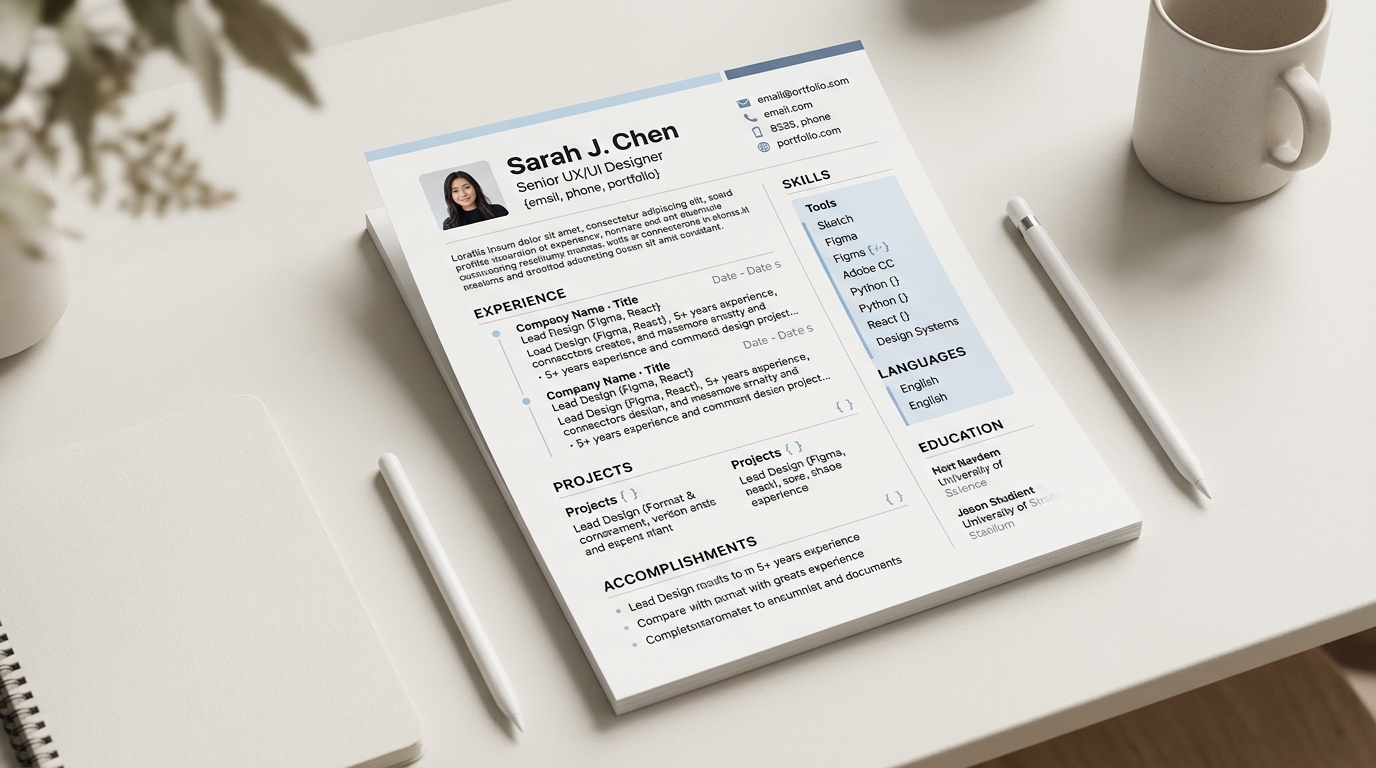
Turning an old PDF CV into an editable document means the PDF is read once, converted into structured content you can click into and change, and from that point on the PDF itself stops mattering: you are editing the structured version, not the original file. The loop is upload, extract, review, edit, then download a new PDF when you are done. Most of a well-formatted CV survives that loop cleanly. A few things, mostly formatting choices the original PDF made for visual reasons rather than structural ones, commonly need a manual check afterward.
What happens when you upload a PDF
CVBuilderKit never stores the PDF file itself. The browser reads the text out of it and, because a PDF has no reliable structure the way a plain text file does, also renders each page to an image so the extraction step can see the layout, not just the words. Only that extracted text and those page images are sent onward, nothing else, and nothing about the original file sticks around afterward. A PDF longer than four pages only has its first four pages read this way, so a CV that runs long should be trimmed before it is uploaded rather than relying on later pages to be picked up.
What usually imports cleanly
Reverse-chronological sections with a clear heading above them import well, because the heading itself is one of the strongest signals the extraction step has to work with. Job titles, employers, dates, and bullet-point achievements almost always land in the right place, since they follow a predictable shape regardless of how the original document was designed. A summary paragraph at the top usually survives intact too, as long as it reads as one coherent block of text rather than being split across a sidebar.
What almost always needs a manual check
Anything the original PDF arranged for pure visual effect, rather than because it belonged there structurally, tends to need a second look. A two-column layout where a skills sidebar runs down the page next to the work history can get its reading order scrambled, since a PDF has no built-in concept of "read this column fully before starting the next one." Icons used instead of words for a section heading, or contact details laid out as a graphic rather than as text, can get missed the same way, simply because there was no text there to extract in the first place.
Illustrative example: one section that survives import, one that doesn't
A single-column work history entry like "Backend Engineer, Acme Co, 2021-2024" followed by three bullet points typically imports cleanly into the equivalent structured field, bullet for bullet.
A decorative header that spells out a candidate's name as stylised letterforms inside a coloured graphic, with the actual contact details set in a tiny font beside a small icon for each one, is the section most likely to need a manual check afterward, simply because the icon and the graphic carry no extractable text of their own.
After the import, before you download
Once the import finishes, read through the result the way a recruiter would: top to bottom, checking that the section order still makes sense and that nothing that mattered in the original got dropped or garbled. Dates and numbers are worth a specific second look, since a transposed digit in a date range is the kind of error that is easy to introduce and easy to miss on a skim. A free account can download a finished CV as a PDF up to three times a day, so it is worth reviewing the document fully in the builder before spending one of those downloads on a version that still needs a fix.
Start the rebuild
An old PDF does not need to stay a dead end. Upload it once, check the sections the layout most likely tripped up, and start editing a document you can update again whenever your history changes, instead of rebuilding from nothing the next time you need it. The general structure a rebuilt CV should follow is the same one covered in how to write a resume, and the full set of templates is worth a look once the content itself is settled.