
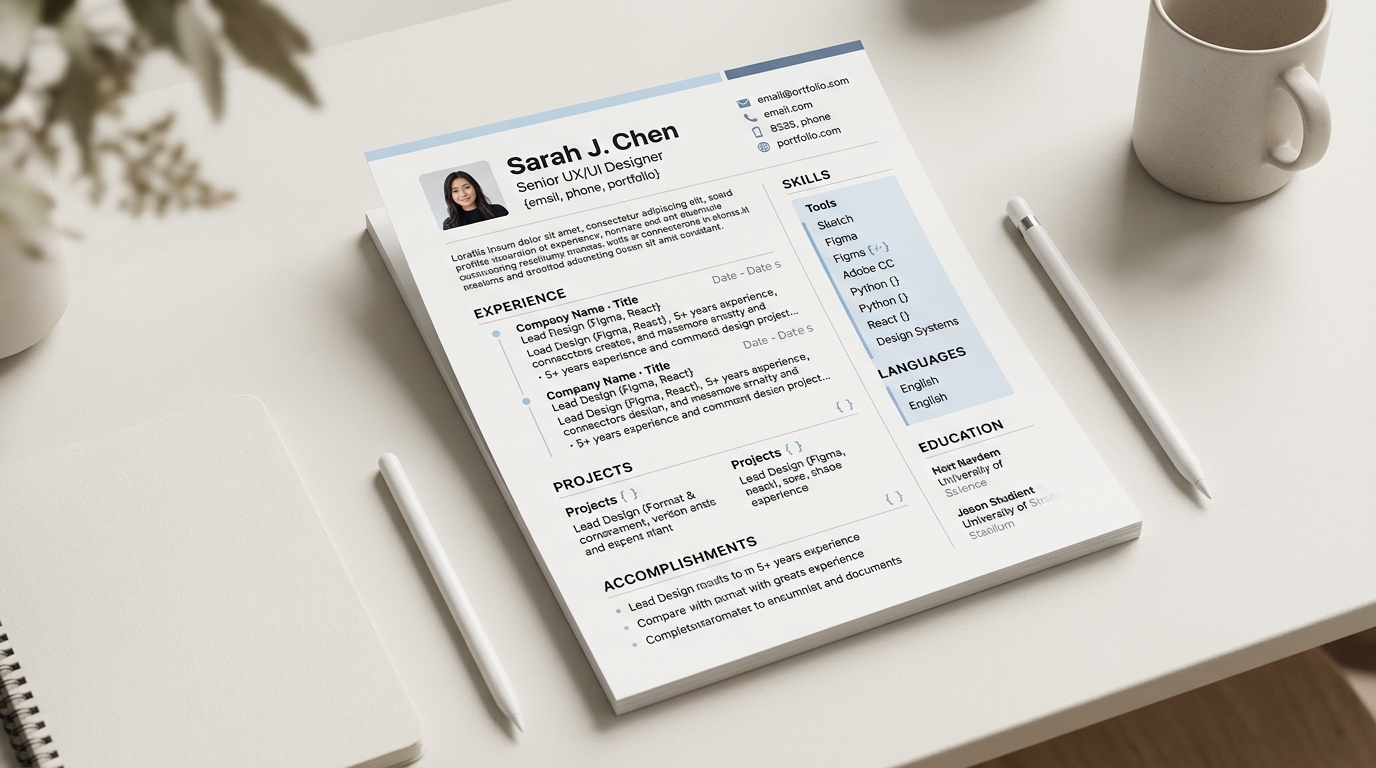
A CV built by hand in a word processor often looks inconsistent because every heading, spacing gap and bullet indent was set manually, one at a time, rather than driven by a single shared style, so small differences creep in every time the document was edited, and rebuilding it into a template fixes that by throwing away the manual formatting entirely and reapplying one consistent style to the same underlying content.
Why a hand-formatted CV drifts out of consistency
A word processor gives a writer full control over every heading size, every gap between sections and every bullet's indent, and that control is exactly what causes the drift over time. A CV edited across several job searches, sometimes years apart, tends to pick up small inconsistencies: one section heading in a slightly different size than another, a spacing gap that is a few points larger under one heading than the next, a bullet style that changes partway down the page because a new section was pasted in from somewhere else. None of these differences happen on purpose, and none of them are visible to the person who made them, since each edit looked correct in isolation, at the time it was made. Read as a whole document, though, they add up to a page that looks subtly uneven even though nothing in it is technically wrong.
The underlying problem is that a word processor has no concept of "all headings look like this" the way a template does; each heading is its own object with its own formatting, and nothing keeps them in sync automatically unless the writer manually reapplies a saved style to every one of them, every time.
What actually happens when the file gets rebuilt
Rebuilding a Word CV into a template starts with extracting the plain text from the file rather than its formatting: CVBuilderKit reads the words directly out of an uploaded .docx file and hands that text to an extraction step that sorts it into a header, work experience, education, skills and whatever other sections the content contains. The manual formatting in the original file, the specific font sizes, the spacing, the exact indent of each bullet, does not travel across that step at all; only the words themselves and their position in the document (which paragraph came after which) carry over. What replaces the formatting is the chosen template's own consistent style, applied uniformly to every heading, every date and every bullet at once, so the same category of content always renders the same way rather than depending on how carefully it was formatted the last time the file was touched.
That also means the fix comes from switching to a template, not from fixing the original Word file's formatting by hand. Cleaning up a hand-formatted document one heading at a time runs into the same problem that caused the drift in the first place: a manual fix stays consistent only until the next manual edit.
What survives the move automatically, and what needs a manual check
The move from a hand-formatted document to a template automatically fixes anything caused by inconsistent manual styling: heading sizes match across every section, spacing is even throughout the page, and bullet indents no longer depend on which part of the document they were originally typed or pasted into. What it does not fix automatically is anything that depends on correctly identifying what a given block of text actually is. If a job title and its date range were on the same line in the original document without a clear separator, the extraction step has to make a judgement call about where one field ends and the other begins, and that judgement is usually right but worth a quick check rather than assumed. The same applies to a section that used an unusual heading in the original document, something other than a plain "Experience" or "Education", which can occasionally land in a different section than intended.
A second thing worth checking by hand is date formatting and consistency. A hand-formatted CV built over several years commonly mixes date styles, "Jan 2020" in one entry and "2020-01" in another, since nothing was enforcing one convention across edits made at different times. The rebuilt version should read through cleanly with one consistent date format applied everywhere, and it is worth a quick pass to confirm that, since a template fixes the visual formatting around a date but not the underlying text of the date itself if the extraction copied it over exactly as written.
Illustrative example: heading and spacing before and after
Before, in the original word-processor file: the "Work Experience" heading sits in 14pt bold with a wide gap above it, while a later "Education" heading, added in a different editing session, sits in 13pt bold with a noticeably tighter gap above it, and neither difference was intended by the person who wrote the document.
After, in the rebuilt template version: both headings render at the same size, weight and spacing, driven by the template's own style rather than by whatever was typed at the time, so a reader moving down the page sees one consistent visual rhythm between every section rather than two subtly different ones.
Building the rebuilt version
Upload the existing .docx file at the builder to start from its extracted content rather than a blank page, then pick a template from the full set of templates with a layout that fits how much content the document actually has. Once the extraction settles, read through each section the way a reader would, checking especially any line where a title, a date and an employer sat close together in the original file, and how to write a resume covers the wording choices worth revisiting once the formatting itself is no longer the thing standing in the way.